
Taylis is a workspace for university research labs. Next to channels, threads, direct messages and search, it has the tools a lab uses every day: who is in the lab now, weekly reports and who has handed them in, students' work logs, announcements that ask for acknowledgement, deadlines, tasks and calendars, a drive for the lab's files with photo albums, and equipment lending.
You run the server yourself. Messages and files are stored on that server, and your organisation manages the conversation history. There are apps for Windows, macOS, iOS and Android, and a browser client.
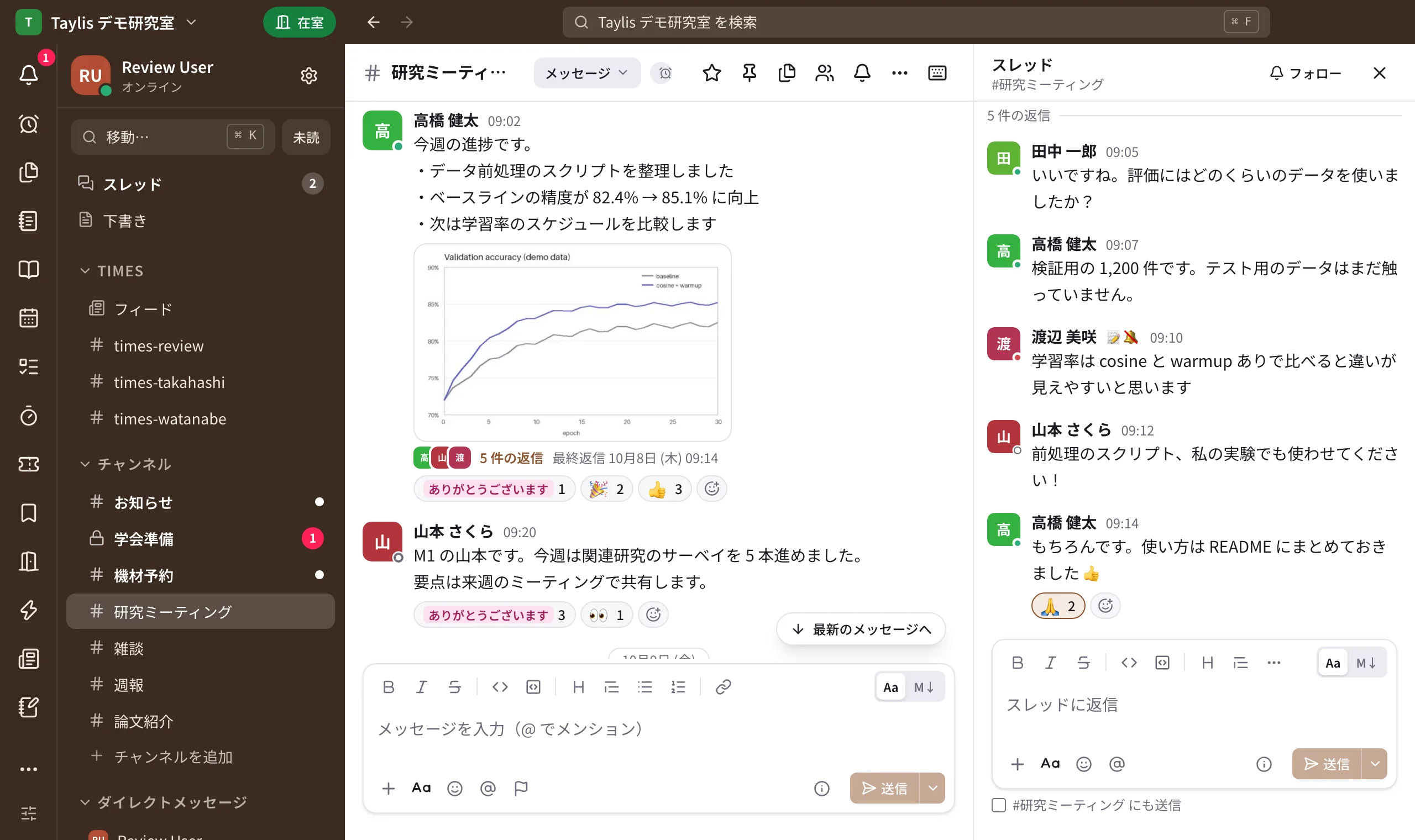
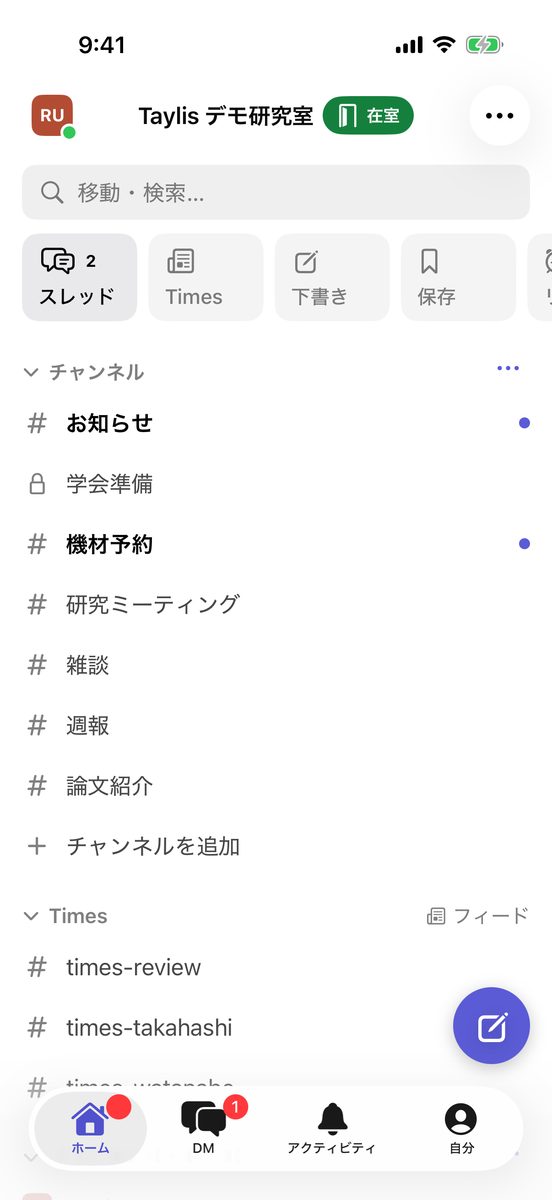
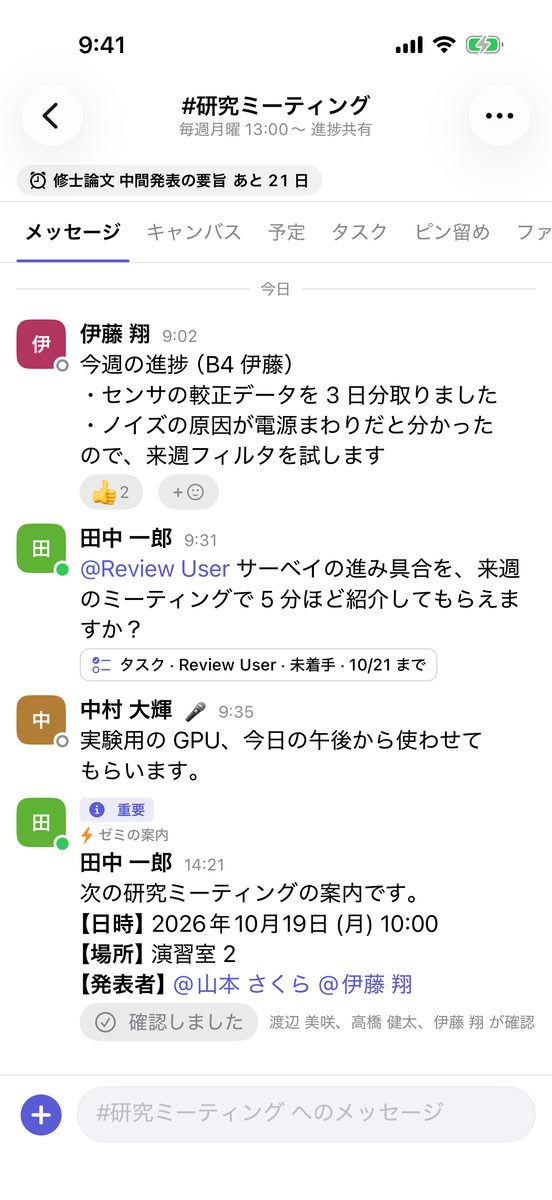
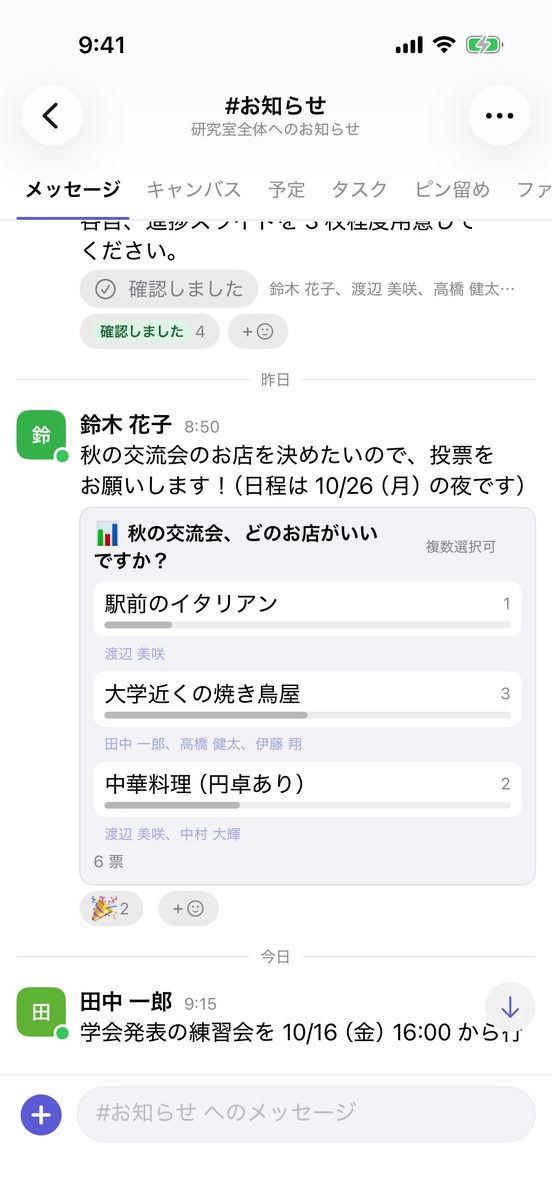
All screenshots show fictional demo data. The apps can be shown in Japanese, English or Simplified Chinese (Settings → Display → Language).
Highlights
-
Channels, DMs and threads
Public and private channels, direct and group messages, threads, mentions, reactions and pins. Your read position is synchronised between your computer and your phone.
-
Self-hosted
One server with Docker Compose. All state lives in two places, PostgreSQL and a directory of files, and backup and restore scripts are included.
-
Sync and push notifications
The server decides the message order, a retried send never creates a duplicate, and clients fetch what they missed after a reconnect. Push notifications go through APNs (iOS) and FCM (Android).
-
Japanese and English search
Full-text search with PostgreSQL + PGroonga, filtered by sender, channel and date.
-
Tools for a lab
Docs (a wiki with databases), polls and scheduling, calendars, tasks and boards, deadlines, canvases, personal "times" channels, workflows, bookings for shared equipment, and an attendance board.
-
Drive and photo albums
Lab, channel and personal drives for large files, with versions, share links for people outside the lab and search inside PDF and Office files. Files posted in a channel land in its drive; event photos become albums.
-
Equipment lending
A ledger of laptops, cameras and books that members borrow and return themselves, with due-date reminders, a teacher's permission check, CSV import and QR labels.
-
Administration and import
Invitation links, sign-in with your organisation's Google accounts, guests, reports and blocking, in-app account deletion, and importers for Slack, Mattermost and Notion exports.
Download
To use Taylis you need your organisation's Taylis server and an account created by its administrator. There is no public sign-up in the apps.
| App | How to get it |
|---|---|
| Windows / macOS | Download the installer from the GitHub releases. New versions can be installed from within the app (Install the apps). |
| iOS / iPadOS | Coming soon (App Store) |
| Android | Install it from Google Play. |
| Browser | Nothing to install: open your server's URL (for example https://chat.example.com/). |
To run your own server, see the self-hosting quick start. The source code is on GitHub (kanotown/taylis) under the Apache License 2.0.
No support guarantee
Taylis is developed for the author's own use and published as-is. Issues and pull requests are welcome, but there is no promise of support, fixes or a roadmap.
The rest of this site (user guide, admin guide, how it works) is in Japanese; the design documents on GitHub are mostly in Japanese too.